How It Works
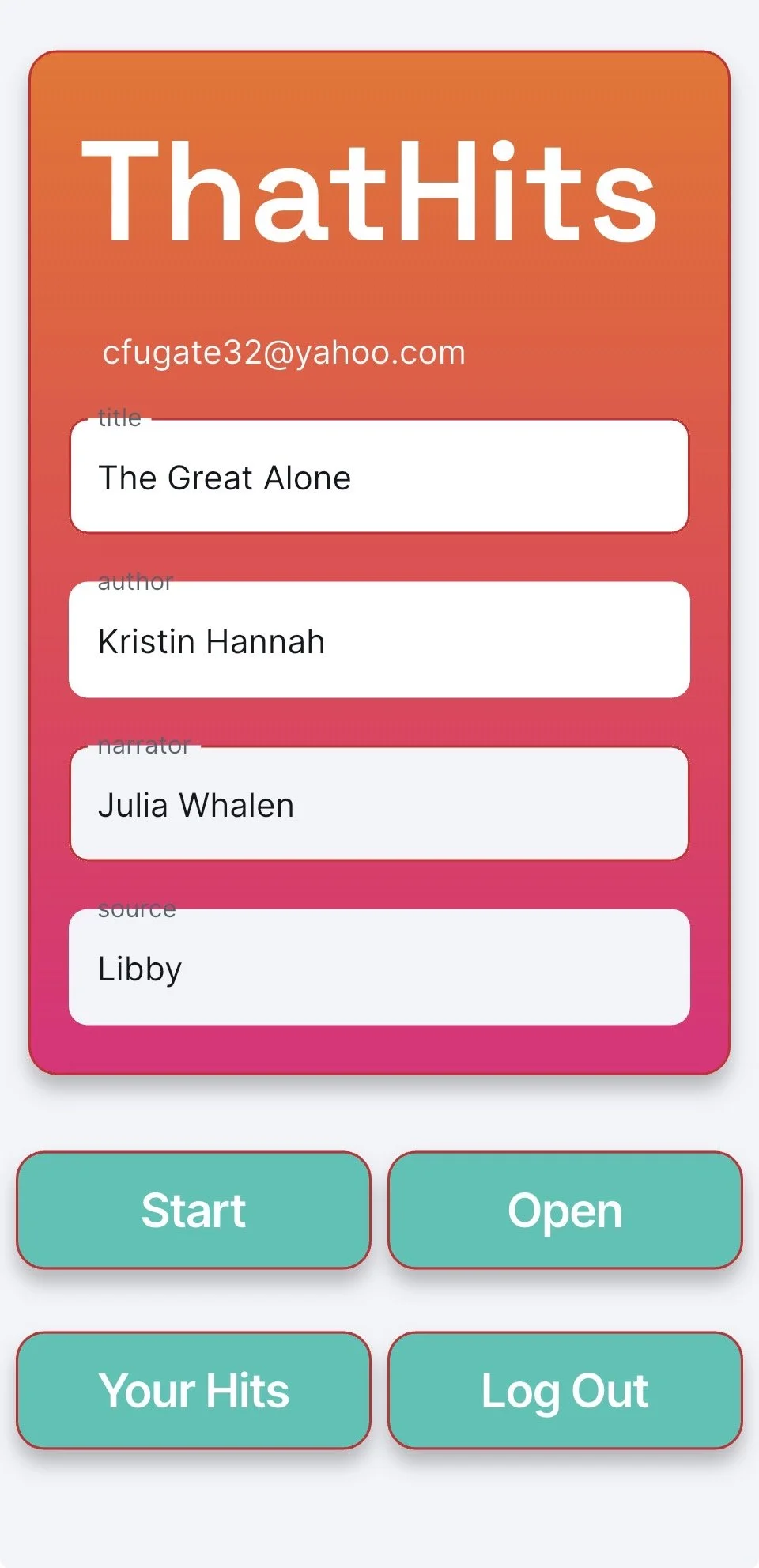
Starting A Book: Enter the title, author, narrator,
and source to the home page - Click Start
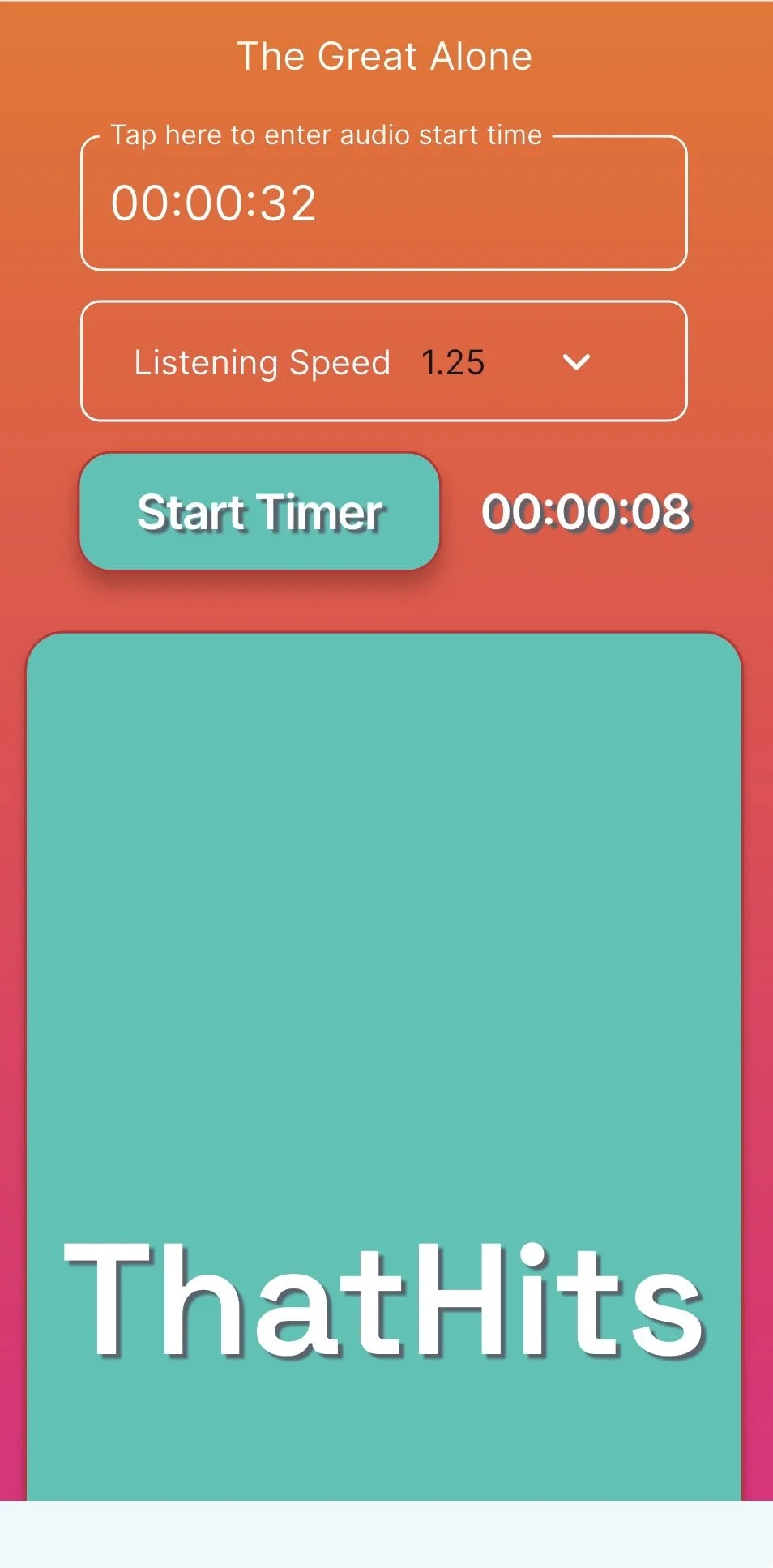
Active Page: Enter the Audio Start Time, Listening Speed
Start Timer & Start your Audio Book
ThatHits runs alongside your audiobook player - It’s a Companion App:)
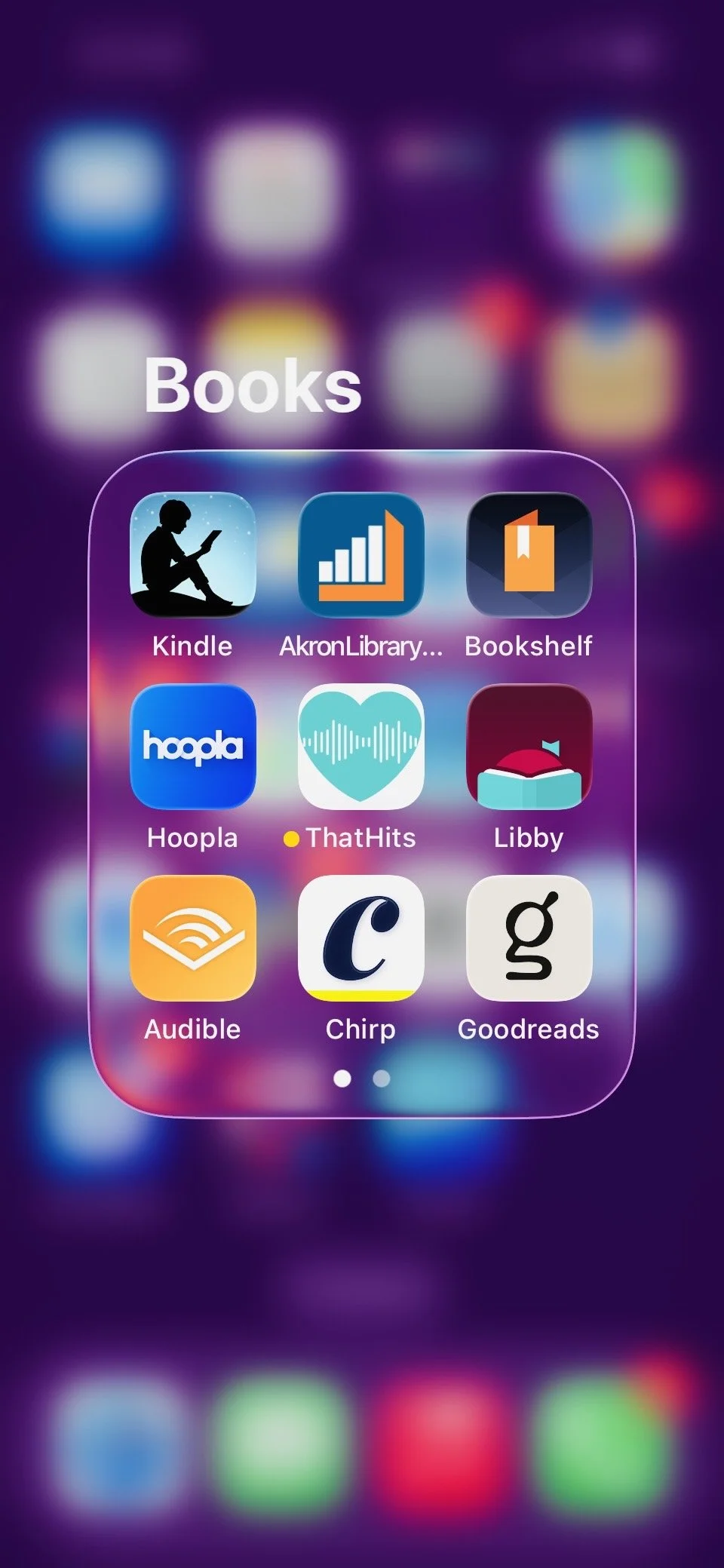
Put That Hits into a folder with your book apps.
This makes it easier to start both apps within seconds of each other.
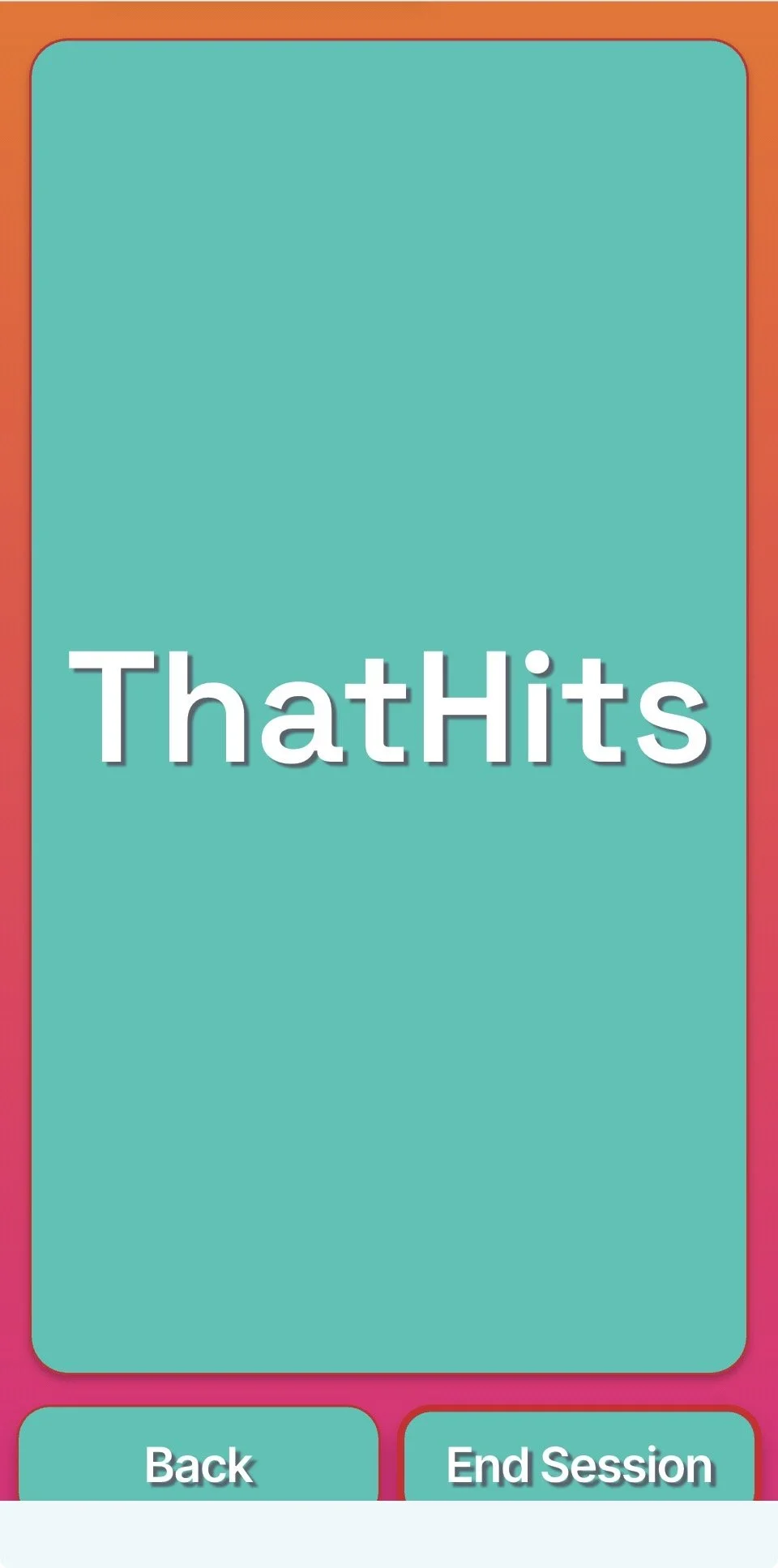
Hit Button: The Hit button stays on your screen while the audiobook reader plays in the background.
When something Hits, tap the button.
A “Note Saved” pop up will appear. This saves the time stamp where the hit happened
Use the back button when you are done listening but not finished with the book
Use the end button when you have completed the book
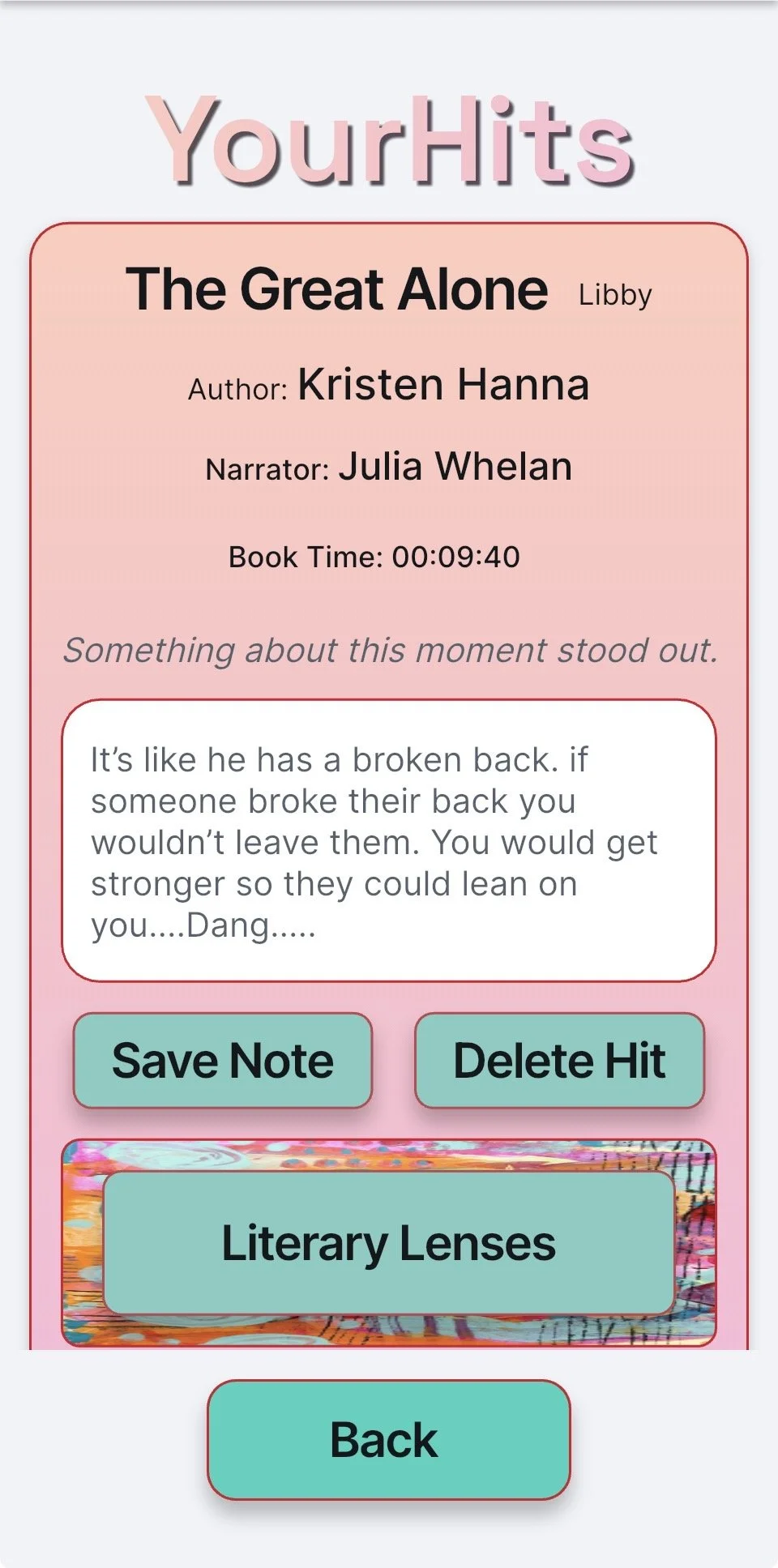
Your Hits: The hits card shows the time stamp and book information
Use the time stamp to go back for a relisten in the audio,
Add your notes and thoughts to the note field and Save Note
Reopening a book you’ve already started: Click Open
on the home page
Enter the time you are picking back up at, adjust listening speed if needed, start timer and
start your audiobook
Your current book information will remain on your hit cards until you start a new book
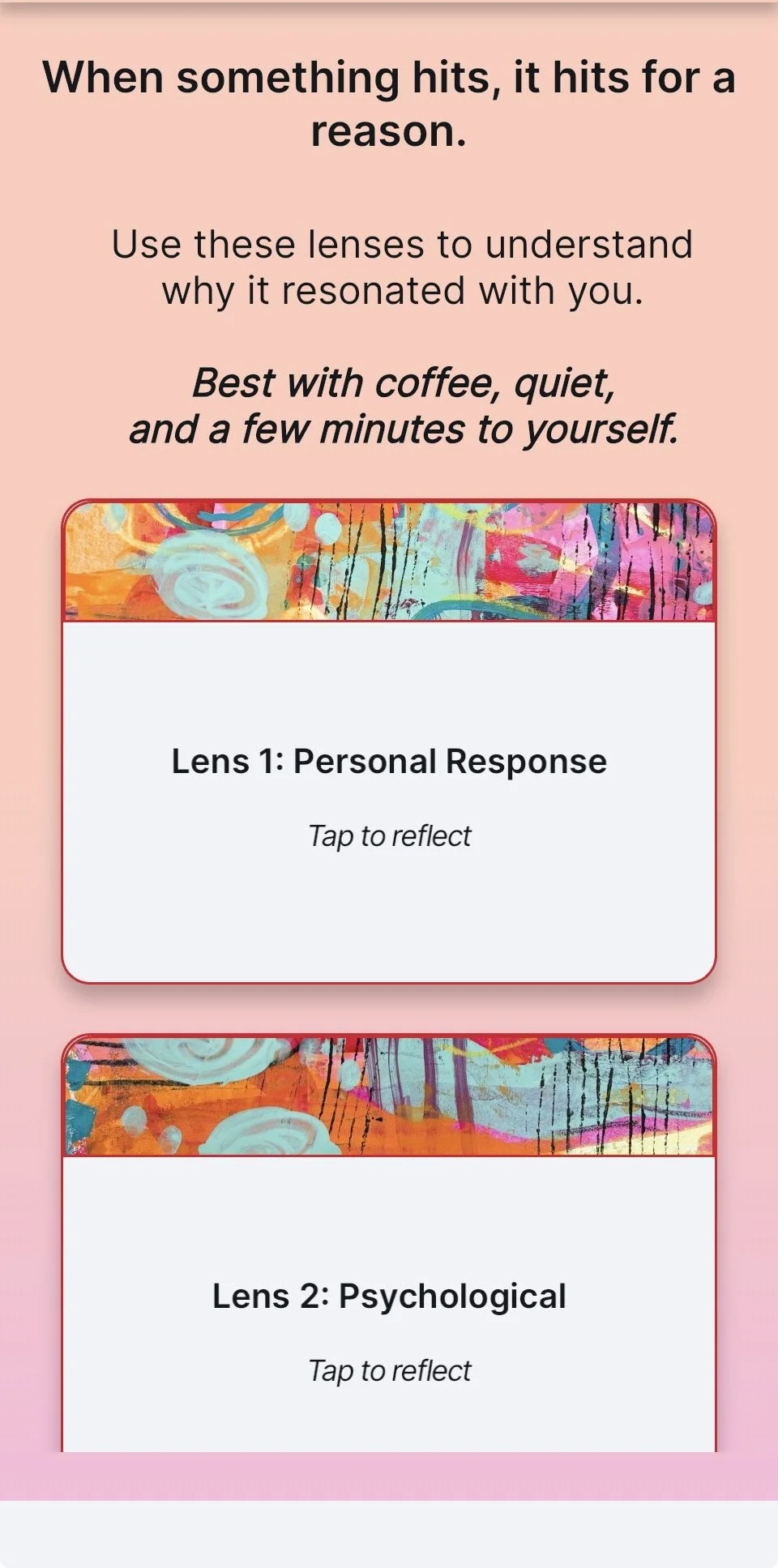
Literary Lenses: When something hits, It hits for a reason.
Use the lenses for a deeper understanding
Home Page
Hit Button
Lenses
Active Page
Your Hits
Book Apps